 NewIconset 3 is here →
Organize, find and ship your SVG icons
Iconset is a fast icon manager for Mac and Windows. Keep every icon set in one library, search 100,000+ open-source icons offline, and export to SVG, PNG, React, Vue or Svelte.
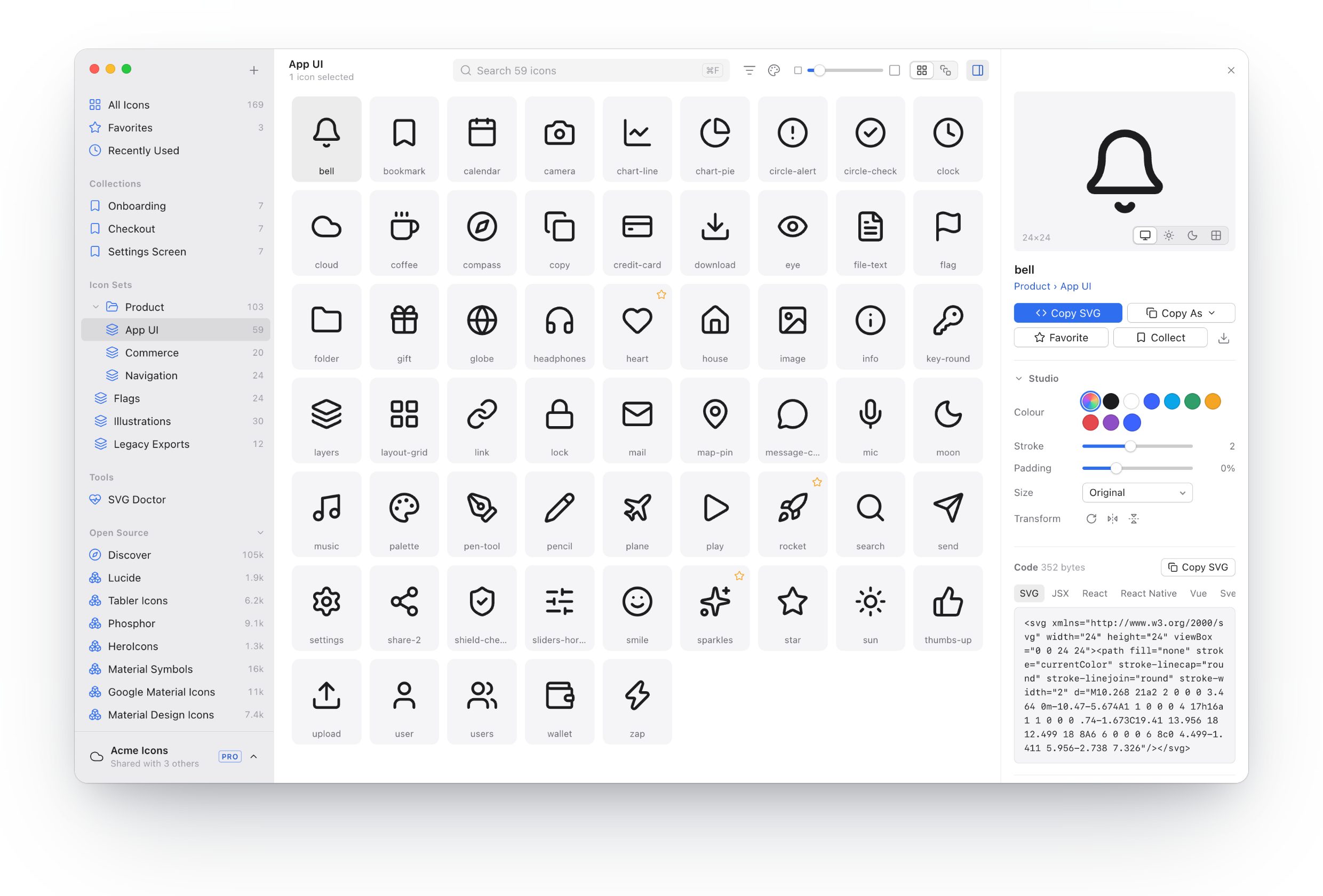
All your icons in one fast library
Sets, folders, tags, collections and favorites keep thousands of icons in order. Drop in a folder of SVGs, or bring your IconJar libraries and .set files, and find any icon in a blink.
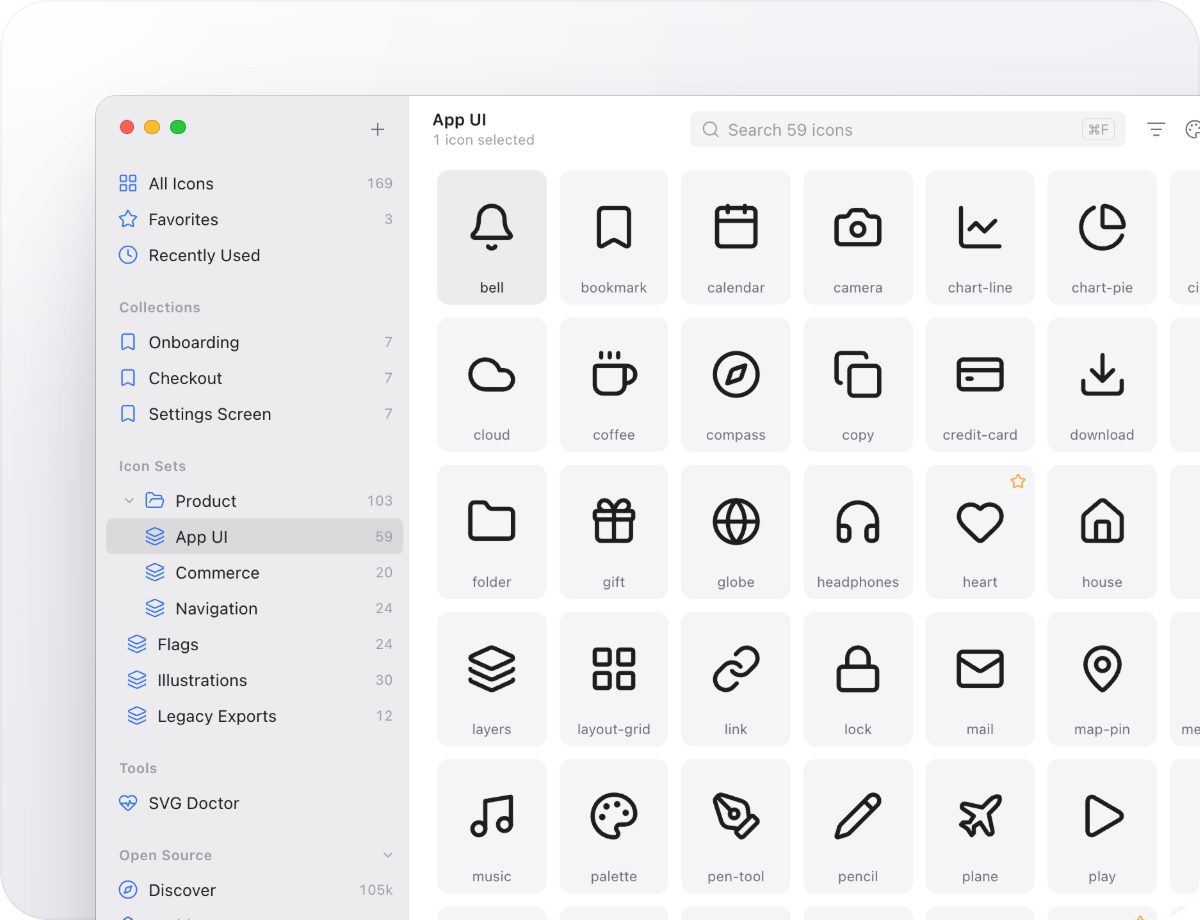
100,000+ open-source icons, built in
Lucide, Tabler, Phosphor, Material Symbols and 24 more sets come with the app and search offline. Every set is MIT, ISC or Apache 2.0 licensed, and saved icons keep their license details.
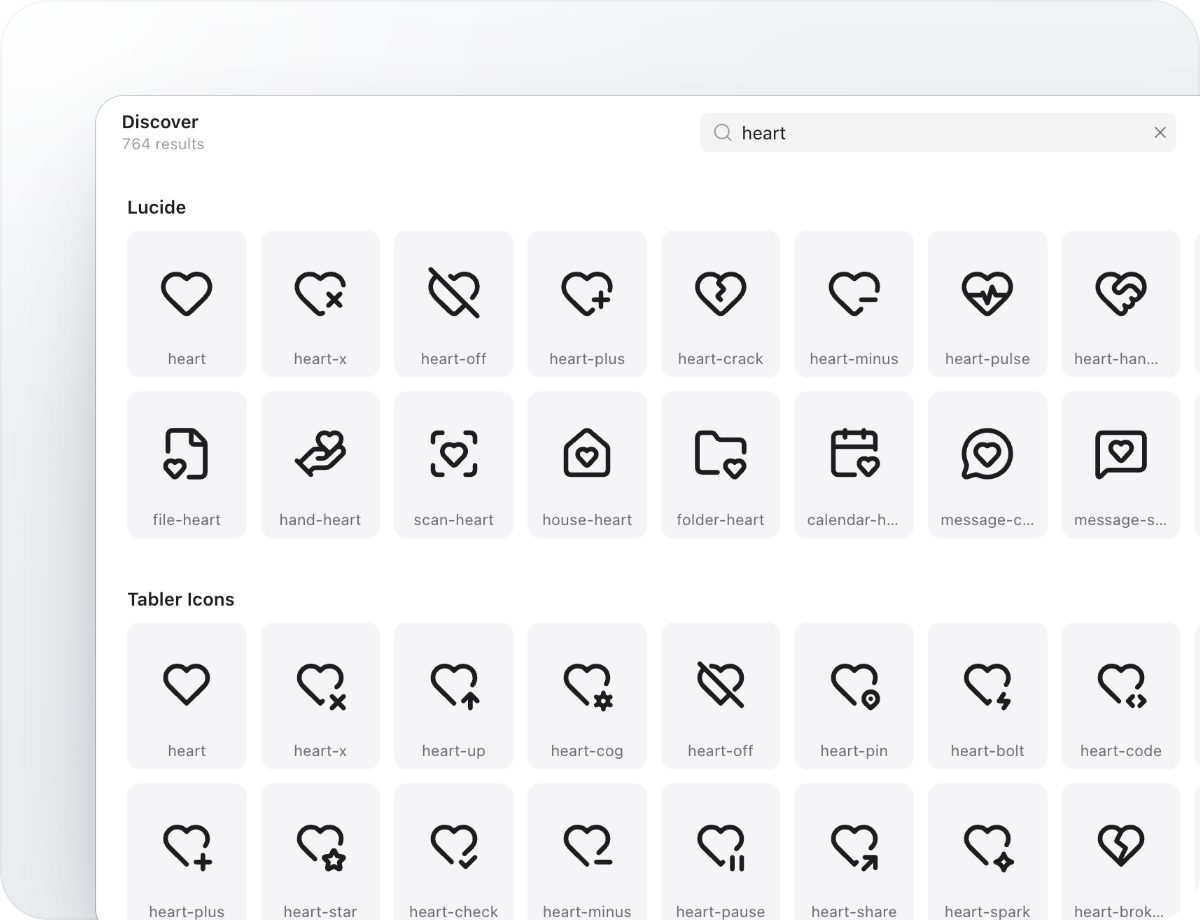
Tweak an icon, then copy it as code
Recolor, change the stroke width, pad, rotate or resize in Studio, then copy the result as SVG, JSX, React, Vue, Svelte, a data URI or a PNG. Or drag it straight into Figma, Sketch or your editor.
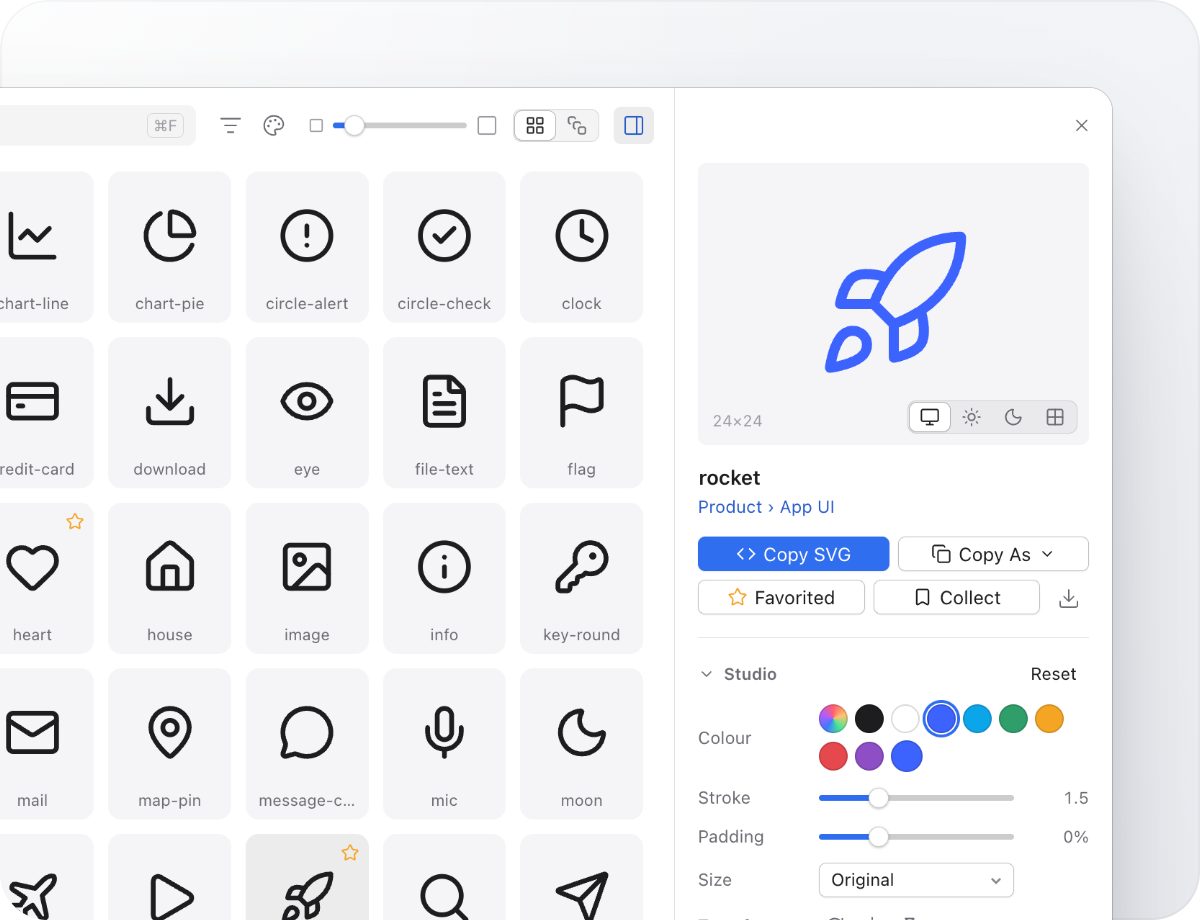
Export for every stack
Turn a selection into typed React components, Vue or Svelte files, an SVG sprite, CSS icon classes or crisp PNGs at @1x, @2x and @3x, in one step.
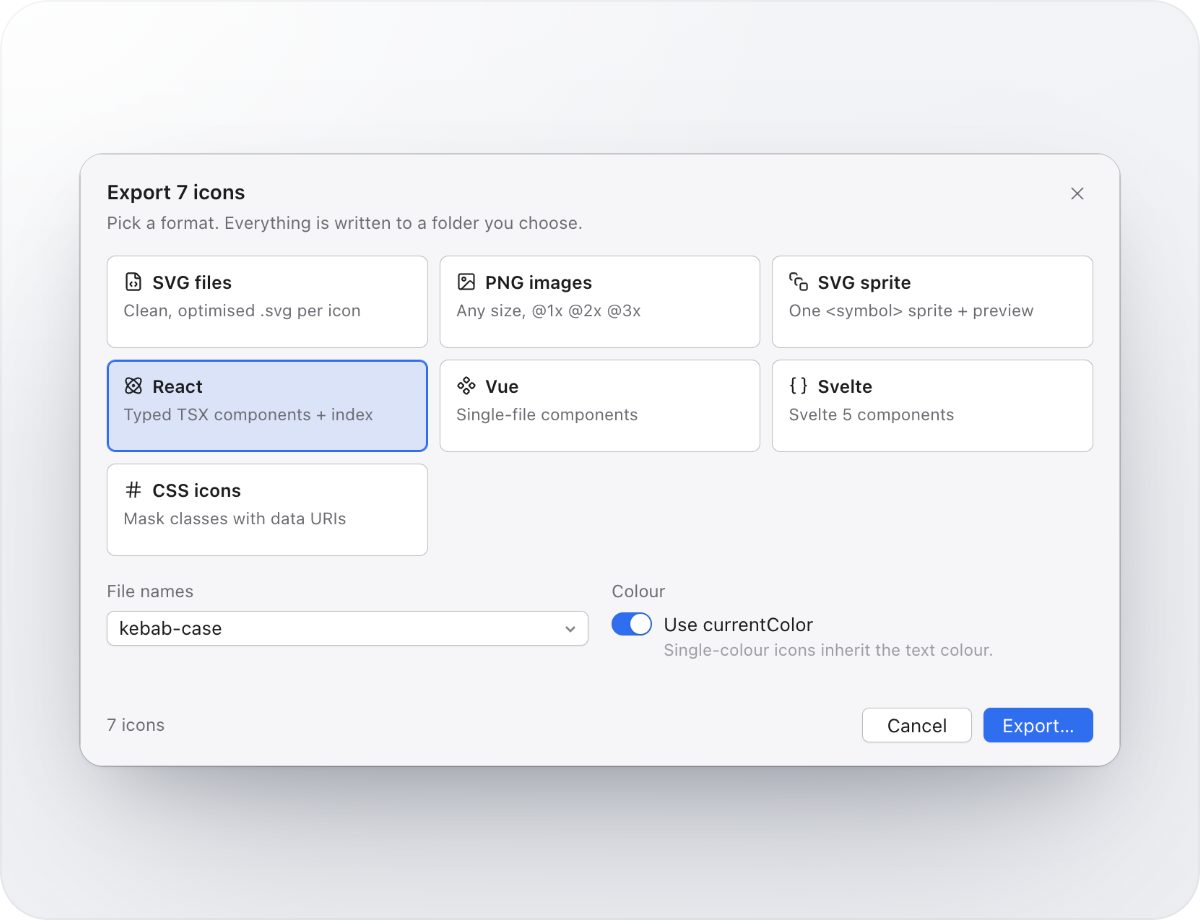
Production-ready, every time
SVG Doctor checks your whole library for scripts, hard-coded colors, editor leftovers, missing viewBoxes and duplicates, and fixes them in one click.
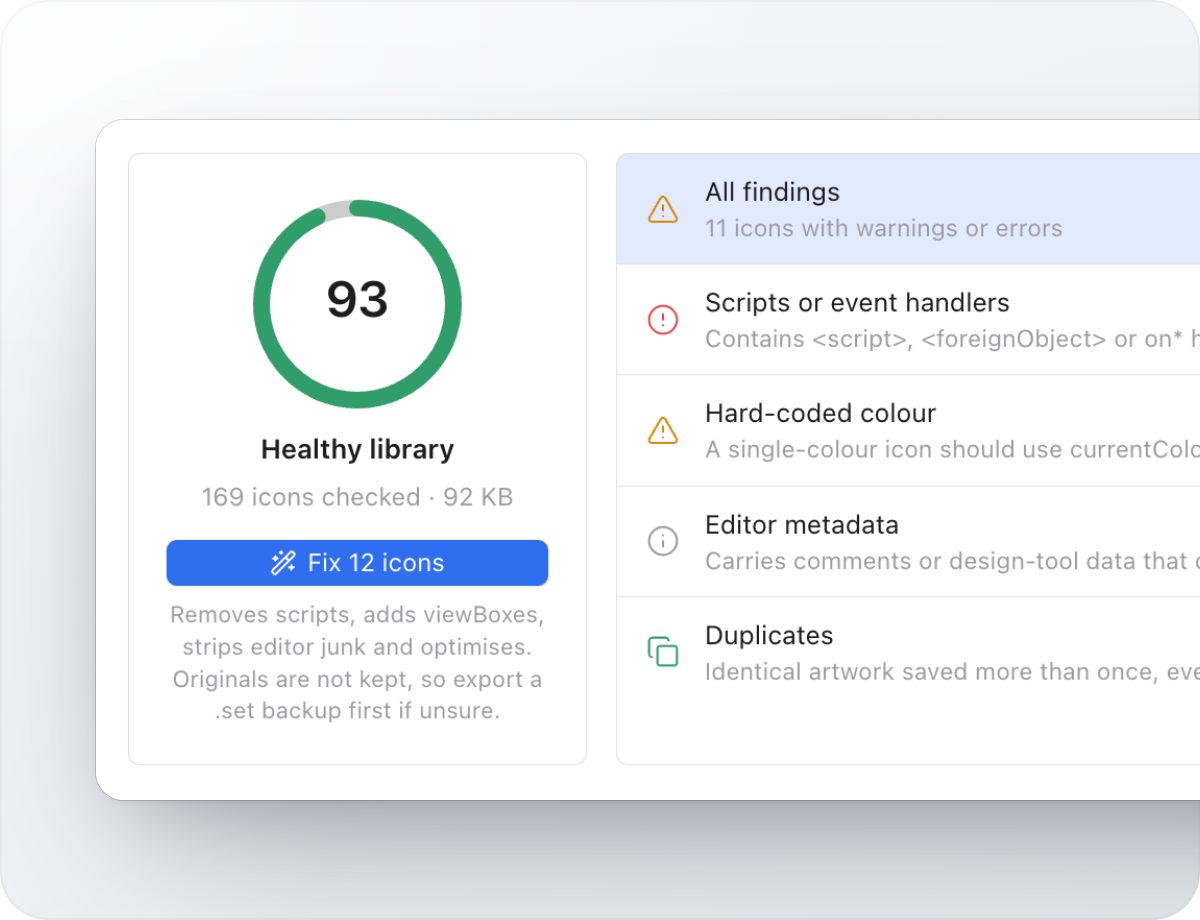
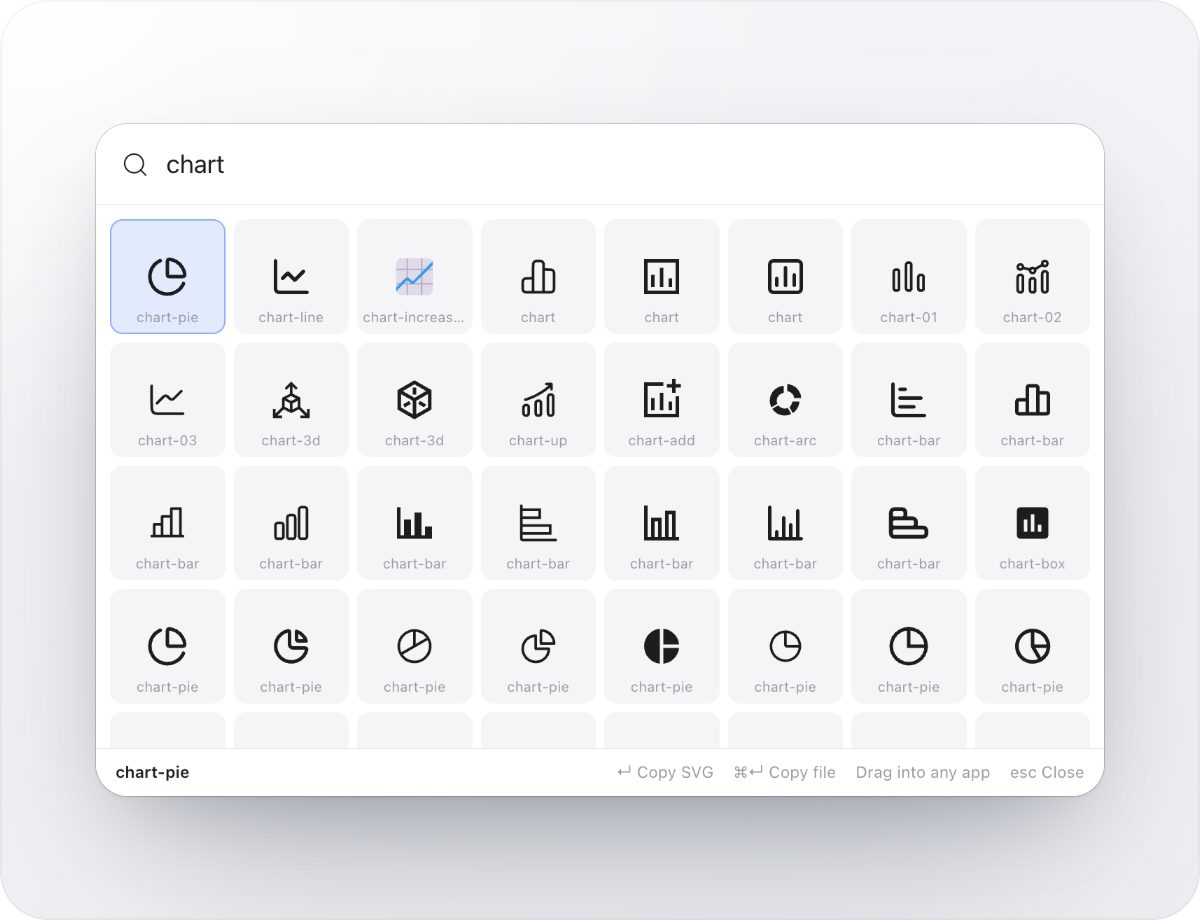
Your icons, one shortcut away
The Quick Panel opens over any app. Type a few letters, press Return to copy, or drag the icon right where you need it.
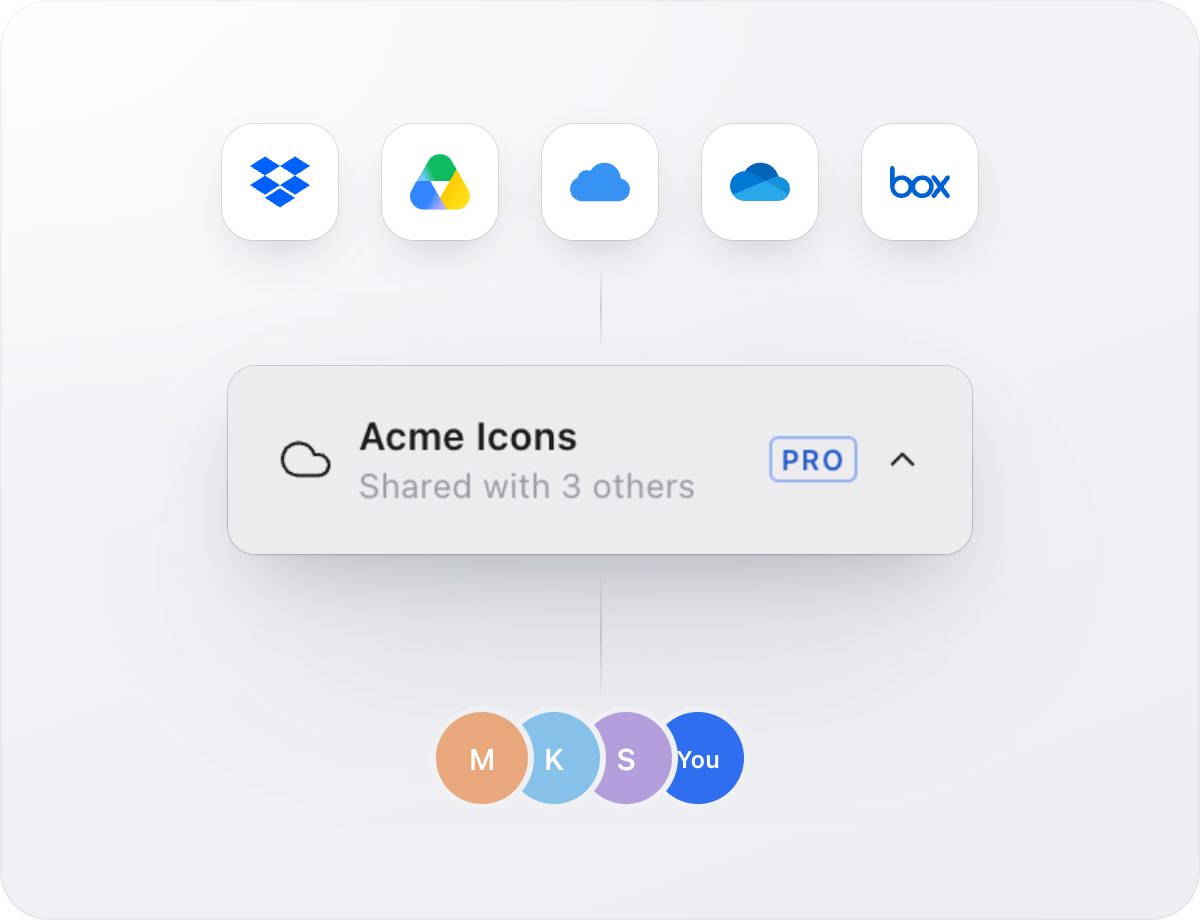
Share a library with your team
Keep your library in Dropbox, iCloud Drive, Google Drive, OneDrive or Box. Everyone sees changes in real time, with no accounts and no servers.
And everything else you’d expect
Drag & drop into any app
Drop icons straight into Figma, Sketch, Illustrator, Keynote or your code editor.
Keyboard first
Jump to any set, icon or command with ⌘K, and copy without touching the mouse.
Native on Mac and Windows
A fast desktop app in light and dark, with your system accent color.
Publish icon packs
Share sets as .set files that anyone can import with one click.
Bring your library
Import folders of SVGs, IconJar libraries and Iconset 2 libraries as they are.
Private by design
Your icons stay on your computer or in your own cloud folder. No account needed.
Simple, one-time pricing
Free for libraries of up to 500 icons, with a 14-day trial of everything. No subscription.
Guides
Practical advice for keeping icons tidy, consistent and ready for production.
How to organize an SVG icon library
A simple structure of sets, folders, tags and collections that keeps thousands of icons easy to find for a whole team.
Read guide →How to turn SVG icons into React, Vue and Svelte components
Clean the markup, use currentColor, pick good names and export typed components your codebase can import.
Read guide →How to share an icon library with your team
Keep one icon library in Dropbox, iCloud Drive, Google Drive, OneDrive or Box and let everyone’s changes sync without a server.
Read guide →Questions & answers
Can I try before buying?
Yes. Iconset is free for libraries of up to 500 icons, and every download starts with a 14-day trial of all Pro features. No account is needed.
I bought an earlier version. Do I need to pay again?
No. Iconset 3 is a free upgrade for Iconset 2: Pro and Pro Lifetime keys both unlock it. Open Upgrade / License in the app and paste the key from your purchase email. Your library, settings and .set files carry over as they are.
What can I do with the free version?
Browse and search all 100,000+ open-source icons, keep up to 500 icons and 3 collections in your library, copy and drag SVGs, share a library through a cloud folder and run SVG Doctor checks. Pro adds unlimited icons, Studio, code formats, PNG and batch export, one-click SVG Doctor fixes and the Quick Panel.
What are the system requirements?
macOS 13 Ventura or later on Apple silicon and Intel Macs, and 64-bit Windows 10 or later, including Arm PCs with Windows 11.
Which formats does Iconset support?
Iconset works with SVG, the format almost every icon designer ships. It exports SVG files, PNG images, SVG sprites, CSS icon classes and React, Vue and Svelte components, copies icons as JSX, React Native, Angular, data URIs and Base64, and imports IconJar libraries and .set files.
Can I use the built-in open-source icons in commercial work?
Yes. Every built-in set uses the MIT, ISC or Apache 2.0 license, which allow commercial use. Icons you save keep their license and author details, so you can credit them where a license asks for it.
How do I share icons with my team?
Open Settings, choose Library and click Move to put your library in a Dropbox, iCloud Drive, Google Drive, OneDrive or Box folder, then share that folder. Each teammate chooses Open Another Library and picks the same folder. Changes sync in real time, with no accounts or servers.
“Windows protected your PC” warning on Windows?
If you see this dialog, click More info, then Run anyway to start Iconset.
Who takes care of the purchase?
The entire purchase process is carried out by Paddle, our reseller. You can pay securely by credit card, and your license key arrives by email.
What’s your refund policy?
If for any reason you’re unhappy with your purchase within 30 days, contact hello@iconset.io for a full refund.
Bring order to your icons
Free to try for 14 days. No account needed.